Web Platform
    |
- Supports Chrome, Safari, Firefox, IE10+
File Extension Support
Extenstions are defined via engines. Engines with web support:
Requirements
- no extra requirements required
Project Configuration
| Feature | Version |
|---|---|
| Webpack | 3.11.0 |
| react-native-web | 0.9.1 |
| Babel Core | 7.1.2 |
Run
rnv run -p web
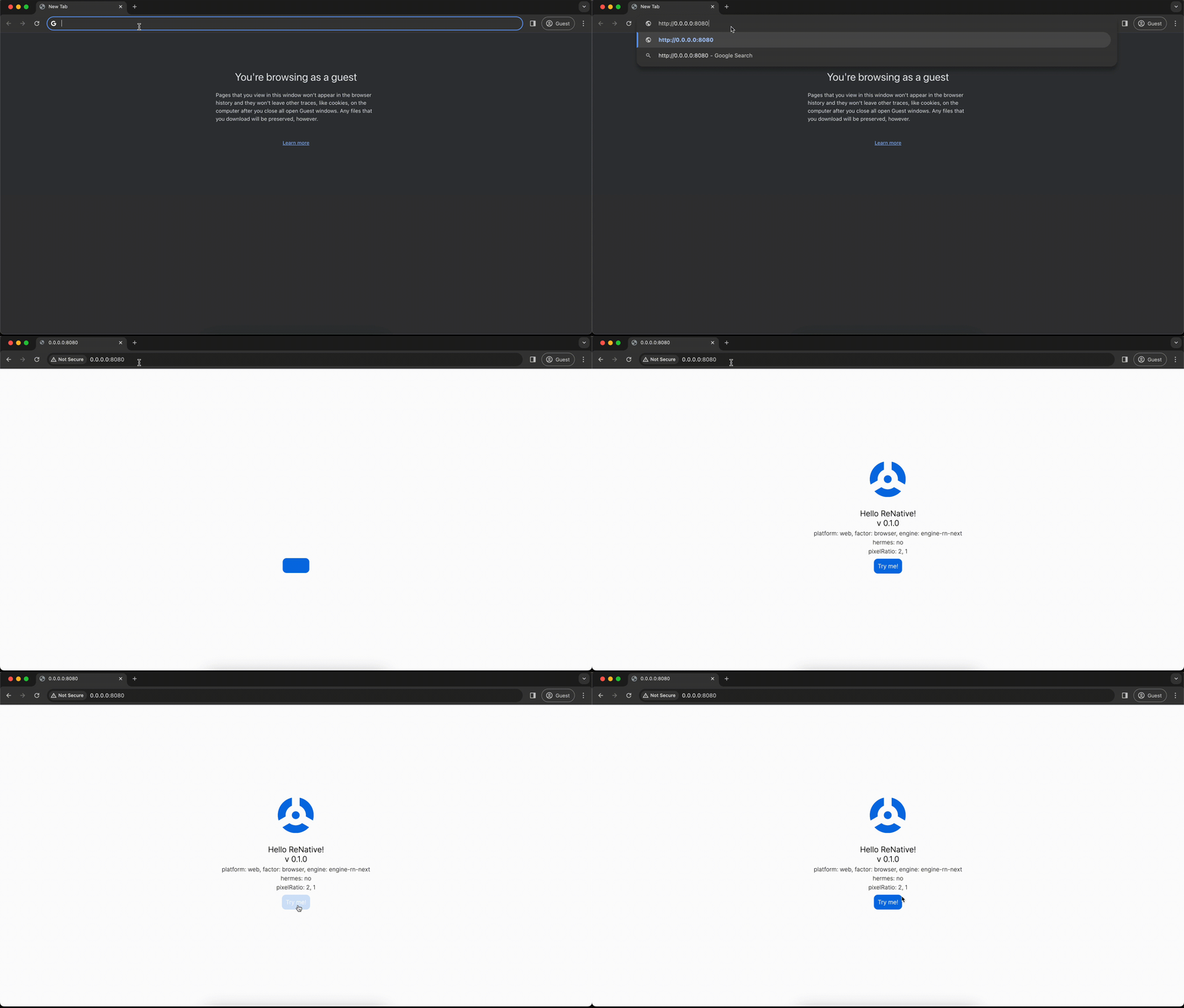
RNV will run local server and attempt to open browser URL: http://0.0.0.0:8080/
If you only want to run server:
rnv start -p web
Build
rnv build -p web
your deployable web app folder will be located in ./platformBuilds/<APP_ID>_web/public
Advanced
Clean and Re-build platform project
rnv run -p web -r
Run with verbose logging:
rnv run -p web --info
Run app on custom port 9999:
rnv run -p web --port 9999
Modifying index.html
In order for you to do that you'll need to run the project first, so it generates the files you need first. Then you can copy platformBuilds/<APP_ID>_web/template.js to appConfigs/base/builds/template.js and modify it.